Welcome to my Content Cabin

Where slow creativity meets thoughtful design.

I build small digital worlds—videos, overlays, interfaces, and quiet tech moments—shaped with calm energy and a solarpunk touch.
Here you’ll find the work, tools, and creative processes behind everything I make.

What I Create

I craft thoughtful digital content built around cozy worlds and calm storytelling. My work blends design, gameplay, and gentle tech aesthetics to create videos, streams, and visual assets that feel warm, immersive, and carefully assembled.

Ideas usually begin as a spark: a color combination, a moment in a game, a quick sketch. From there, they grow into full pieces supported by scripts, visuals, sound, and cohesive branding. My focus stays on clarity, mood, and clean structure—whether I’m editing a YouTube explainer, building a Twitch overlay, or designing cross-platform social assets.

My style leans toward solarpunk tones, soft lighting, and simple layouts with space to breathe. Every step of the process is handled in-house—writing, recording, editing, sound design, visual design, and final export—resulting in content that’s calm, cohesive, and intentionally crafted.

ㅤㅤㅤㅤㅤㅤㅤ

BinaryBotanic thinking

Where My Content Lives

Twitch

Calm gameplay streams, build sessions, overlay tests, and real-time creative workflows.

YouTube

Long-form edits, tutorials and narrative-style content with soft pacing.

Instagram

Gaming posts, color palettes, micro-stories, sketches, and aesthetic development posts.


My work exists across several platforms, each with its own pacing but unified by the same late-evening, warm-light atmosphere. I create slow, cozy visuals that draw viewers into small digital worlds—whether that’s a quiet game session, a behind-the-scenes view of my design process, or a thoughtful tutorial.

My Content Pipeline

A deeper look into how every piece of content moves from its earliest spark to the final posted version. My workflow is intentionally slow, structured, and clear—designed to support focus, reduce overwhelm, and keep each project moving forward in manageable steps. Whether I’m crafting a YouTube video, shaping a Twitch segment, or building social content, this pipeline helps me stay organized while still leaving room for creativity and experimentation.

♡ Pre-Idea Stage
Small sparks, inspirations, gameplay moments, color notes.

♡ Concept Sketching
Rough Canva drafts, moodboards, X-Tiles notes.

♡ Script & Structure
Planning beats, timing, shot lists, talking points.

♡ Recording
Gameplay captures, voice, b-roll, on-camera footage.

♡ Assembly
Timeline structure, audio cleanup, rough cut.

♡ Visual Design Integration
Overlays, color grading, typography, transitions.

♡ Final Edit
Polishing, sound shaping, pacing refinement.

♡ Export & Optimization
Platform-specific formats and thumbnails.

♡ Publishing & Posting
Scheduling, tagging, cross-platform linking.

♡ Reflection & Notes
What worked, what to refine, next small steps.

Canva Design Workflow

My graphic pipeline is intentionally lightweight and flexible. I use Canva to prototype visuals quickly, maintain brand consistency, and iterate without friction. This keeps the workflow calm and allows projects to evolve naturally.

I use Canva to create:

♡ Thumbnails and social graphics
♡ Brand kits and color palettes
♡ Stream overlays and interface elements
♡ Presentation decks
♡ Quick concept frames and sketches

The focus is clarity and cohesion, not perfection. Fast iteration and gentle refinement guide the process.

Free Resources

A curated and continuously expanding collection of free materials designed with small creators and cozy-paced streamers in mind. Everything here is built for people who value calm, visually balanced aesthetics—tools that support gentle storytelling, soft color design, and a relaxed creative atmosphere. Instead of overwhelming options, the goal is to offer resources that give you a clear starting point and inspire steady growth in your creative workflow.

Each item is intentionally crafted to be easy to use, flexible to customize, and welcoming for beginners. You don’t need advanced design knowledge or complex software to make them work. Whether you’re building your first stream layout, experimenting with color identity, or shaping your online presence, these resources are meant to feel approachable, supportive, and simple to adapt to your own style.

♡ Twitch Panels
Clean, cozy, and lightly solarpunk-inspired designs that fit seamlessly into both minimalist and narrative-themed channel layouts.

♡ Stream Starter Pack
A set of frames, labels, and subtle accent elements built to help you establish a consistent look across your stream scenes while keeping the visuals lightweight and unobtrusive.

♡ Color Palettes
Curated sets focused on soft greens, warm neutrals, dusk-inspired tones, and other calming combinations—great for branding, overlays, or general creative direction.

♡ Canva Templates
Ready-made thumbnails, storyboards, planning sheets, and color-reference cards you can adjust in minutes. Ideal for creators who want professional structure without a steep learning curve.

Tools and software

A calm, reliable toolkit shaped for slow, thoughtful creation.

My workflow relies on a mix of design, editing, and development tools that help me stay flexible without losing the warm, handmade feeling of my work. I choose software that supports quick iteration, small experiments, and late-night creative sessions lit by a soft desk lamp.

Tools I use

♡ Streamlabs
— for quiet, stable livestreams with custom overlays
♡ Canva
— rapid drafting, brand-consistent graphics, thumbnails, and storyboards
♡ Blender
— occasional 3D sketches and soft, miniature-style renders
♡ X-tiles
— content planning, scripts, shot lists, and long-term idea gardens

Community Philosophy

Slow, kind, and built for people who like to create at their own pace.

My content is built around a simple idea

creativity grows best in calm environments.
I see content creation as gardening: you plant small ideas, give them time, and watch them grow with your community. Each platform becomes a different garden bed, shaped by the people who show up there. My goal is to nurture that—slowly, consistently, and with care.

The internet can be loud and fast. I prefer the opposite — soft lighting, slow progress, gentle humour, and warm conversations that feel like a quiet evening in a small cabin. Whether I’m streaming a game, explaining a concept, or sharing a design breakdown, I try to create a space where people can:

♡ Follow along without rushing
♡ Ask questions without feeling judged
♡ Learn one small thing at a time
♡ Enjoy the process, not just the result

Studio Setup

A cozy tech nook built for warm light, quiet focus, and late-night creativity.
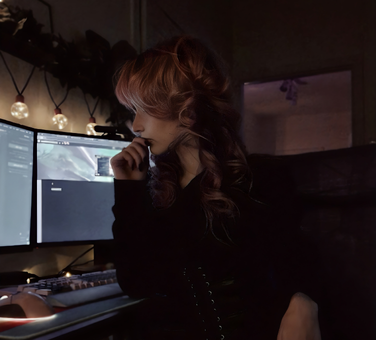
My studio is a quiet corner built around soft light, natural textures, and a calm, steady workflow. It isn’t a big production space or a flashy gamer room — it’s more like a tiny workshop tucked inside a cozy cabin. Everything here is chosen to support long, gentle creative sessions where ideas can shift and grow without pressure.

Lighting & Atmosphere

The heart of the setup is the lighting. I use warm, low-contrast lamps instead of bright overhead LEDs. The goal is a soft glow
— enough to keep everything visible, but dim enough to feel like late evening. Shadows stay a little grainy, almost film-like, and the green notes in the room hint at a subtle solarpunk mood. Nothing harsh. Nothing rushing. Just a quiet workspace that hums softly in the background.

Desk & Workspace Layout

My desk is kept intentionally simple: wood tones, a clean surface, and only the essentials within reach. I keep space open so I can switch between tasks easily
— editing, sketching thumbnails, coding a layout, or preparing a scene for Twitch.There’s room for a notebook, a mug of something warm, and a few small objects that help set the pace: a plant, a piece of driftwood, an old mechanical part, a pen that feels good in the hand. The whole layout is designed around flow. No clutter. Nothing that forces attention away from the work. Just a slow, steady rhythm.
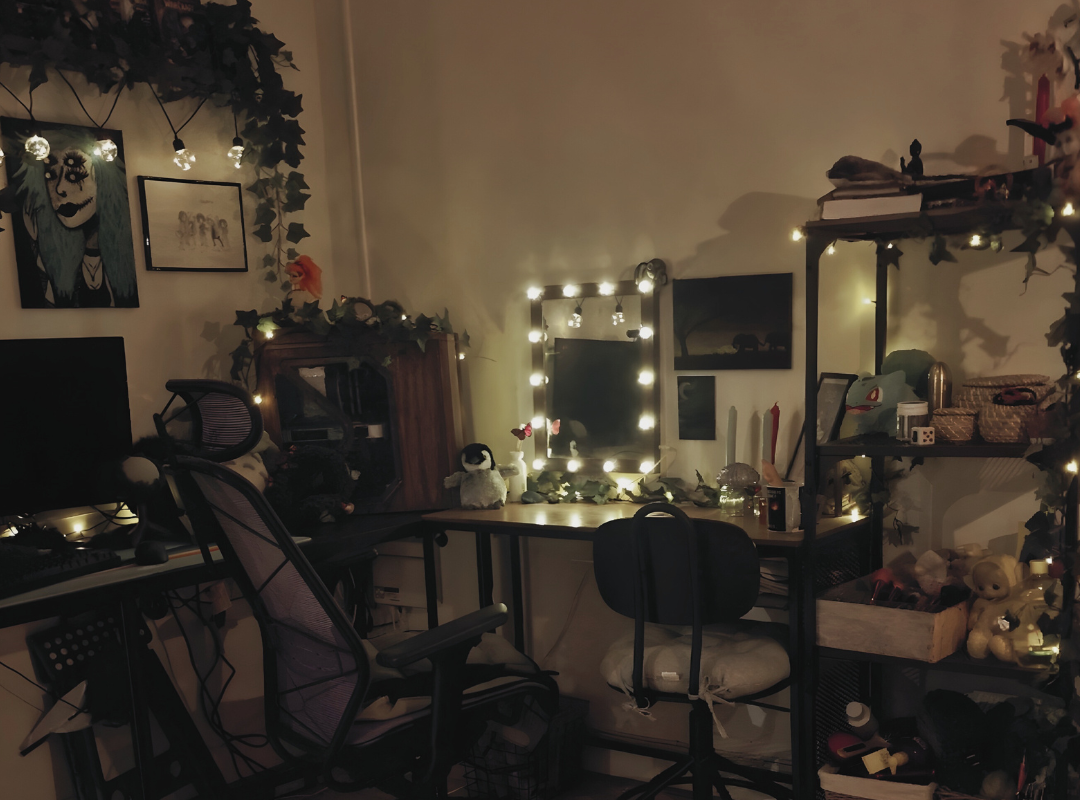
Computer setup

Hardware & Equipment

♡ A stable PC setup tuned for editing, streaming, and design work
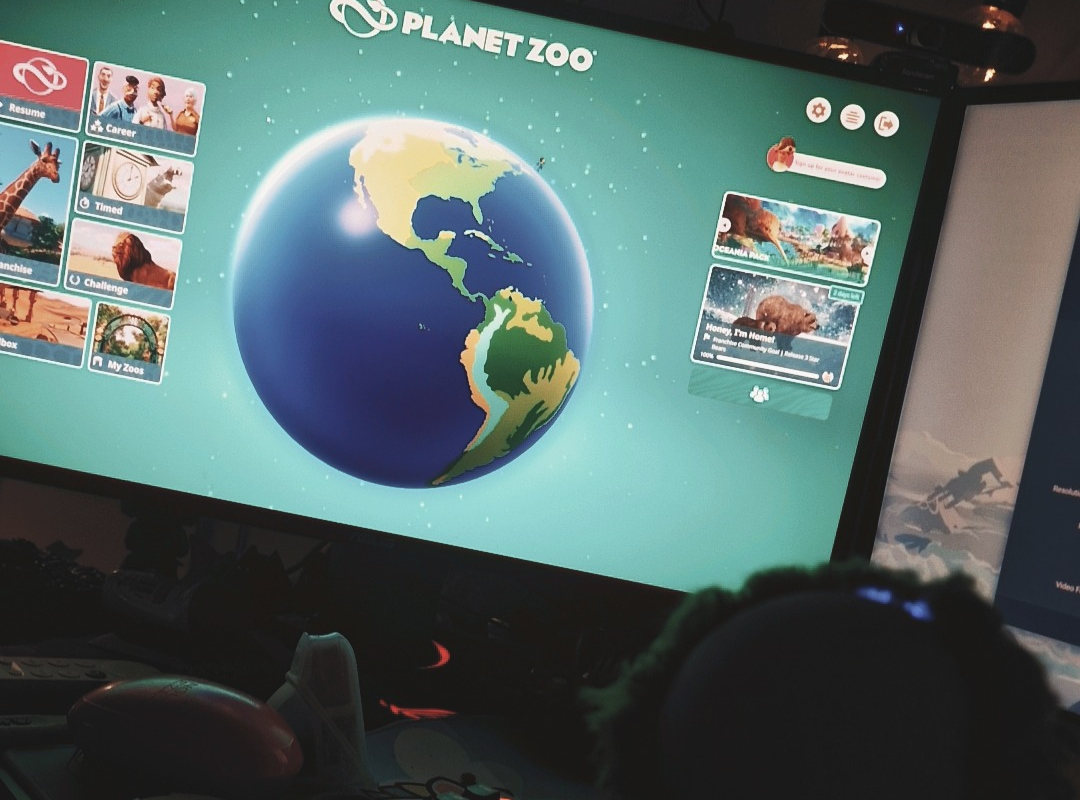
♡ Dual monitors for clean multitasking: code on one, visuals on the other
♡ A microphone with a soft, rounded profile to keep my voice warm and gentle
♡ A camera angled to capture the cozy lighting without feeling staged

Purpose of the Space

This setup isn’t about productivity hacks. It’s about creating a calm foundation that supports the kind of content I make: warm, thoughtful, slightly mossy around the edges, and never in a hurry. It’s a studio built to encourage consistent small steps.